Custom Order Portal: A Practical Build Guide for B2B Teams
Quick answer: Build a custom order portal when your catalogue, pricing, approvals, configuration or fulfilment rules do not fit standard ecommerce software. Start with one frequent order journey, map its data and exceptions, prototype it with real users, then integrate and expand.
- Author
- KainoLab Team
- Written
- Nov 1, 2026
- Service
- Web applications
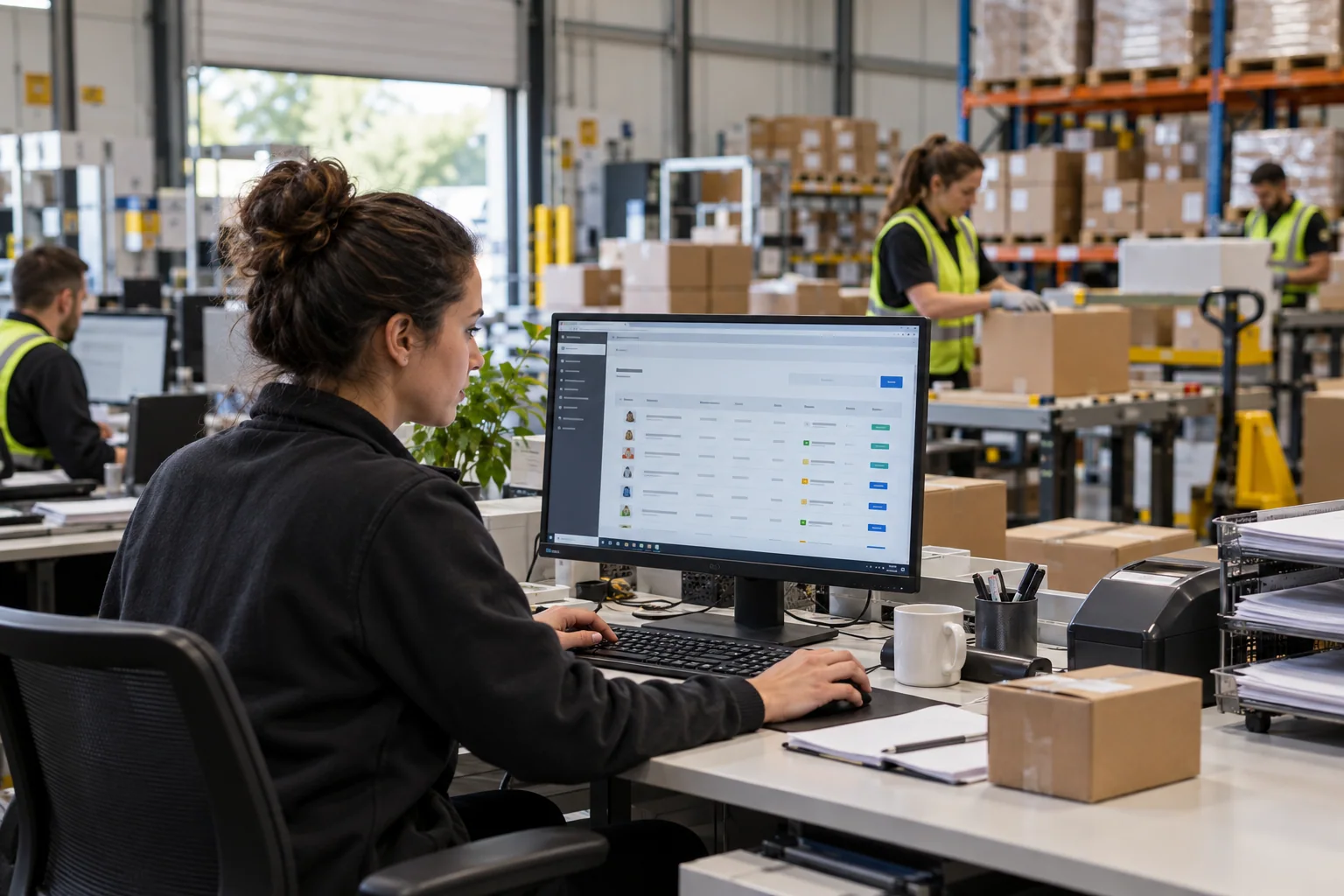
Editorial image: AI-generated scene created for this article; the interface and people are fictional.
A custom order portal is a private web application designed around a business’s own products, customers and fulfilment rules. It may resemble ecommerce on the surface, but it can support negotiated pricing, configurable items, approval chains, standing orders, project references or unusual delivery constraints that a standard shop handles poorly.
Custom does not mean building every component from zero. A well-designed portal uses proven authentication, infrastructure and interface patterns while customising the workflow that makes the company different. The goal is a simpler ordering process, not novelty.
When is a custom portal justified?
Consider custom development when several of these are true:
- customers see different catalogues, price agreements or product codes;
- valid orders depend on technical compatibility or configuration rules;
- several people must prepare, approve and submit an order;
- the portal must coordinate ERP, CRM, inventory or production systems;
- staff currently rebuild emailed spreadsheets or PDFs;
- existing software requires so many workarounds that the workflow remains manual.
If the business sells a standard catalogue at common prices with ordinary delivery, an established B2B commerce product may be faster. Compare the process honestly using our custom software versus off-the-shelf guide.
What belongs in the first release?
Choose one valuable order path. A sensible first release often contains:
| Capability | First-release question |
|---|---|
| Sign-in and accounts | Who may order for which company or branch? |
| Catalogue | Which items, variants and documents may that account see? |
| Pricing | Which system provides the customer’s price and currency? |
| Basket validation | What quantities, combinations and dates are valid? |
| Submission | Which references and delivery details are mandatory? |
| Staff review | Which exceptions require a person and what can they change? |
| History | What confirmation and status does the buyer need afterwards? |
Defer decorative dashboards, sophisticated recommendations and rarely used reports until the core journey works. Buyers return because ordering is accurate and quick, not because the home screen has many charts.
Map the workflow before designing screens
Follow a real order from the buyer’s need to final confirmation. Record every handoff, data field, decision and exception. Ask why staff edit an order, how pricing is checked, what causes rejection and which system provides status.
This exercise often exposes policy questions disguised as software requirements. Two teams may use different meanings for “available”, or sales may permit substitutions that the warehouse does not record. Resolve these definitions before coding. A portal cannot create a single reliable experience from contradictory rules.
Then build a clickable prototype using representative products and customer types. Let actual buyers and order-desk staff perform tasks rather than merely approve screenshots. Observing hesitation reveals missing context much earlier than a finished build.
Design integrations around ownership
List important data and name its source of truth. The CRM may own contacts; the ERP may own accounts, prices and orders; a warehouse platform may own fulfilment status. The portal should present these values without becoming an uncontrolled duplicate database.
Integrations also need operating rules. Decide how often data changes, what happens during an outage, how failed messages retry and who is alerted. Store an audit trail for commercial changes and use idempotency so a retry does not create a duplicate order.
For a detailed connection plan, see wholesale portal ERP integration.
Build security and administration into the workflow
Business customers change staff, branches and responsibilities. Give each company an administrator who can invite or deactivate users within controlled limits. Use roles for ordering, approval, finance documents and account administration. Enforce access on the server for every request; hiding a button is not security.
Staff also need tools to support customers safely. A support user might view an account but require an explicit, logged action before impersonating or editing it. Design these controls alongside the buyer interface, not after launch.
How should success be measured?
Record a baseline before development. Useful measures include time to enter an order, clarification messages, corrections, status enquiries, abandoned baskets and successful repeat orders. After a pilot, compare the same measures for similar customers and order types.
Do not promise a universal percentage improvement. Product complexity, data quality and customer adoption matter. A narrow pilot produces evidence specific to the business and shows where the next investment belongs.
How KainoLab handles a custom order portal properly
KainoLab starts with discovery sessions involving buyers and the employees who process their orders. We turn the workflow into a prioritised release, identify data ownership and prototype the risky interactions. Development proceeds in testable slices: account access, catalogue, pricing, submission, staff review and integration.
Before wider rollout, we use realistic accounts and awkward cases, including expired prices, unavailable stock, duplicate submissions and permission changes. Monitoring and support procedures are part of release readiness. This disciplined approach keeps custom development connected to the operational problem it was commissioned to solve.
If standard commerce tools are fighting your process, see KainoLab’s web application services or describe your order workflow. We can help scope the smallest useful custom portal and a credible path beyond it.
Frequently asked questions
How long does a custom order portal take?
It depends on workflow complexity and integrations. A focused pilot is faster and safer than attempting every customer, country and exception in one launch.
Can an existing website remain in place?
Yes. The portal can use a separate secure area or subdomain while sharing brand and navigation with the public site.
Can features be added later?
Yes, if the initial data model and integration boundaries are planned well. That is one reason to define ownership before expanding the feature list.