How to Get Wholesale Customers to Use Your Ordering Portal
Quick answer: Wholesale customers adopt a portal when it is faster than calling you. Load their usual products and prices before inviting them, onboard a small pilot group personally, make reordering one click, and keep a named contact available. Track who orders online and follow up with those who do not.
- Author
- KainoLab Team
- Published
- Oct 30, 2026
- Service
- Web applications
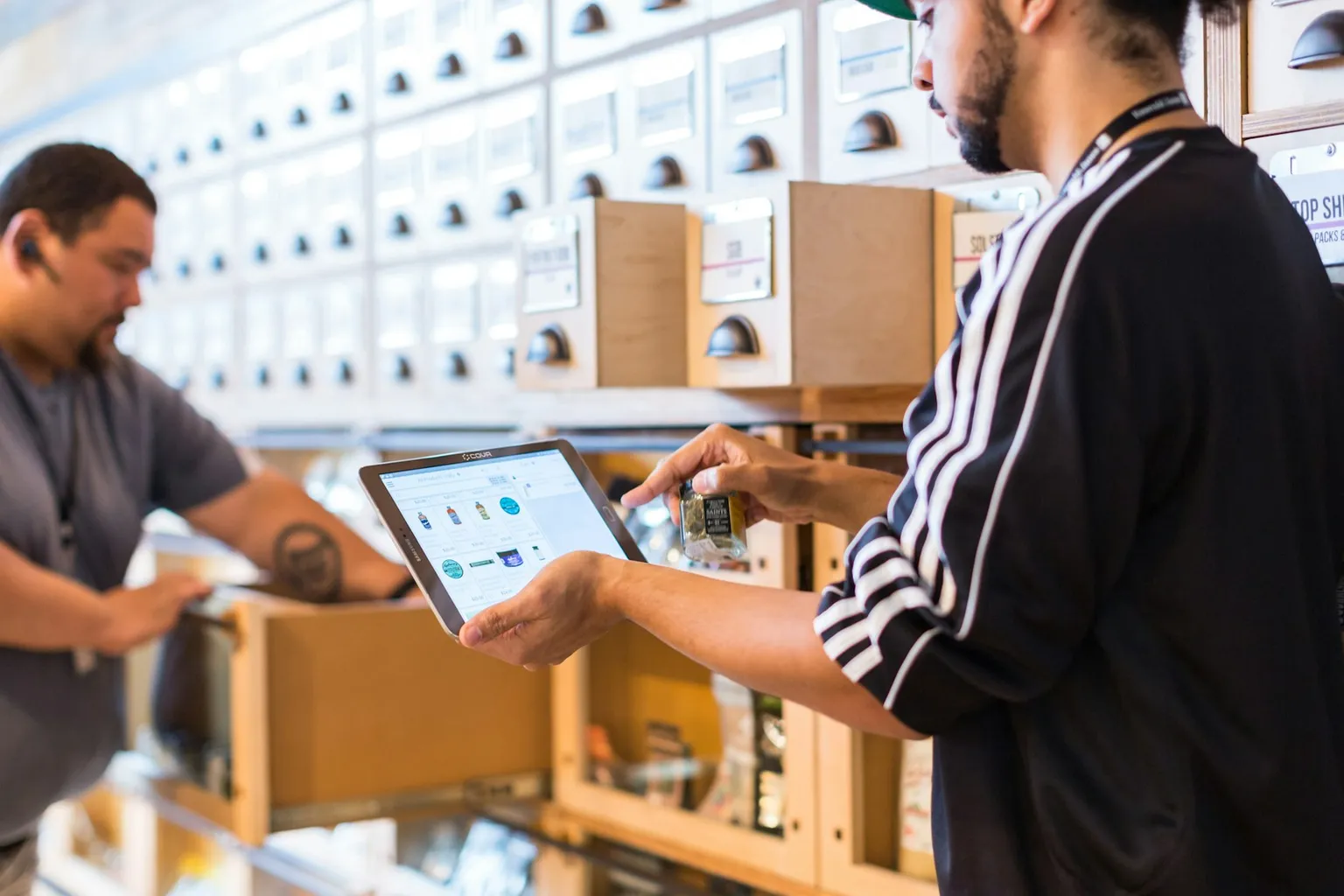
Photo: Cova Software on Unsplash.
A wholesale customer portal only creates value when customers use it. Many portals launch with a short announcement email and then sit almost empty while orders keep arriving by phone.
Adoption is a project of its own. This guide covers what makes trade customers switch, and how to roll out a portal without disrupting relationships. If you are still planning the portal itself, start with our wholesale ordering portal requirements.
Why do wholesale customers ignore new portals?
Trade buyers are busy. They keep calling because it is familiar, fast and personal. A portal loses if it:
- Asks them to search a full catalogue for products they order every week.
- Shows list prices instead of the prices they negotiated.
- Requires a long registration before they can order.
- Feels like a way to avoid talking to them.
Each of these is a design or rollout problem you can fix before launch.
What should be ready before you invite anyone?
| Ready before launch | Why it matters |
|---|---|
| Customer accounts created by you | No self-registration form to abandon |
| Customer-specific prices | Buyers trust what they see |
| Saved order lists from past orders | Reordering takes seconds |
| Clear pack sizes and units | Fewer mistakes and calls |
| Visible contact person | The relationship stays human |
The single most effective feature is usually a saved list of what each customer orders regularly. If a buyer can repeat last week’s order with a few changes, the portal becomes faster than a phone call.
How should you roll it out?
- Choose a pilot group. Pick 10 to 20 regular customers who order often and are open to trying something new.
- Invite them personally. A call or visit from their usual contact works better than a mass email.
- Walk through the first order together. Ten minutes of help removes most hesitation.
- Ask for feedback. After a few orders, ask what slowed them down and fix it quickly.
- Extend in waves. Add customer groups gradually, using what you learned.
Should you offer incentives?
Small incentives can help habits form, but they are not required. Options include priority dispatch for online orders, a later cut-off time, or easier access to invoices and order history. Avoid incentives that cost more than the time the portal saves.
The strongest incentive is convenience: accurate prices, quick reordering and instant order status.
How do you measure adoption?
Track a few simple numbers each week:
- Share of orders placed online, overall and per customer.
- Customers invited versus customers who have ordered online.
- Orders still arriving by phone or email from portal users.
When a regular customer keeps phoning, ask why. Often the answer reveals a missing product, a pricing issue or a feature you can add.
Keep the relationship personal
Show the customer’s account manager inside the portal, with a direct phone number or message option. Customers should feel the portal gives them more control, not less contact. Our guide on custom client portals versus a CRM explains how both can work together.
Common adoption mistakes
- One announcement email. A single message is easy to ignore. Personal invitations and a guided first order work far better.
- Hiding the phone number. Customers who cannot reach a person when something goes wrong lose trust in the portal.
- Fixing problems slowly. Early users judge the portal by how quickly their feedback is acted on.
- Measuring logins instead of orders. A login proves curiosity. Repeat online orders prove adoption.
A simple 30-day plan
- Week 1: load products, prices and saved lists for the pilot group.
- Week 2: invite pilot customers personally and help with first orders.
- Week 3: fix the issues they report and confirm the fixes with them.
- Week 4: review adoption numbers and invite the next group.
Key takeaways
- Make the portal faster than a phone call, starting with saved order lists.
- Roll out in waves, personally, with a named contact visible.
- Track online order share per customer and follow up with hold-outs.
Frequently asked questions
How long does it take customers to adopt a portal? It varies by customer and industry. Regular buyers who reorder the same products tend to switch fastest once their lists and prices are ready.
Should we stop accepting phone orders? Not at first. Run both channels and let convenience move customers across. Some accounts may always need personal service.
What if customers find mistakes in prices or products? Treat early feedback as a gift. Fix data quickly and tell the customer it is done; trust grows from visible responsiveness.