How to Preview Files Before Attaching Them to an Email
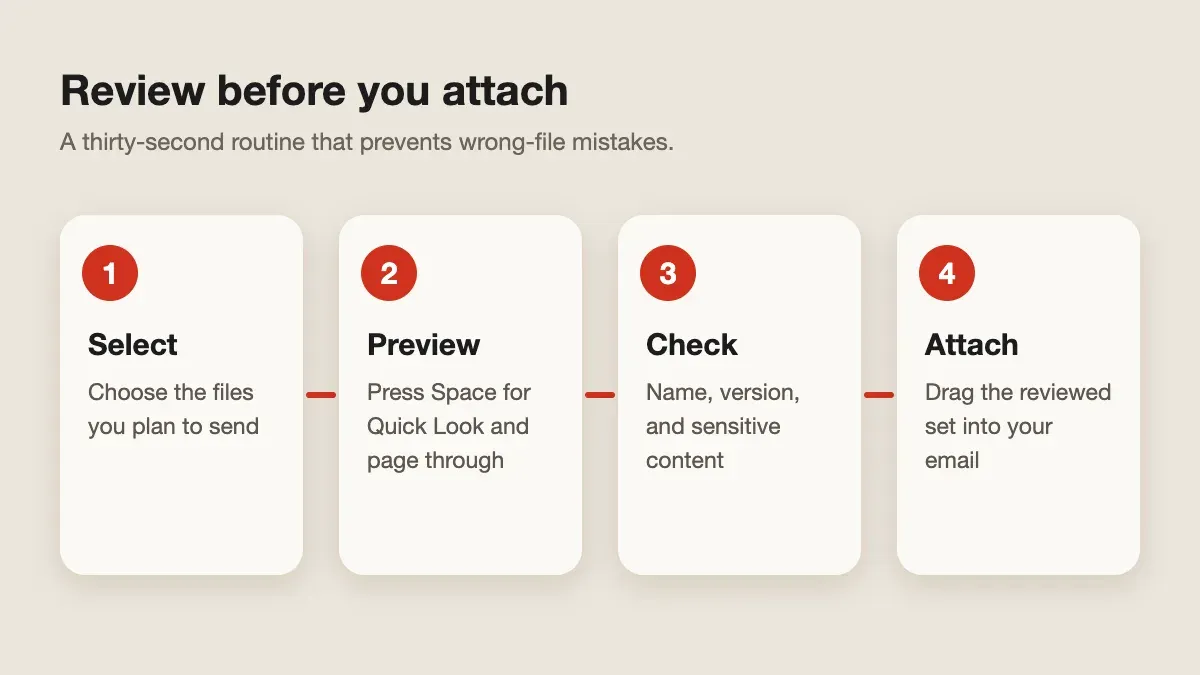
Quick answer: Select the files in Finder and press Space to open Quick Look, then use the arrow keys to move between them. Check the name, content, and version before you attach anything. A Historr shelf can hold the final set while you review it.
- Author
- KainoLab Team
- Written
- Oct 13, 2026
- Product
- Historr
Sending the wrong file is easy to do: an old draft, a file with private notes, or an attachment with a misleading name. A short preview habit catches most of these mistakes.
What is the fastest way to preview a file on Mac?
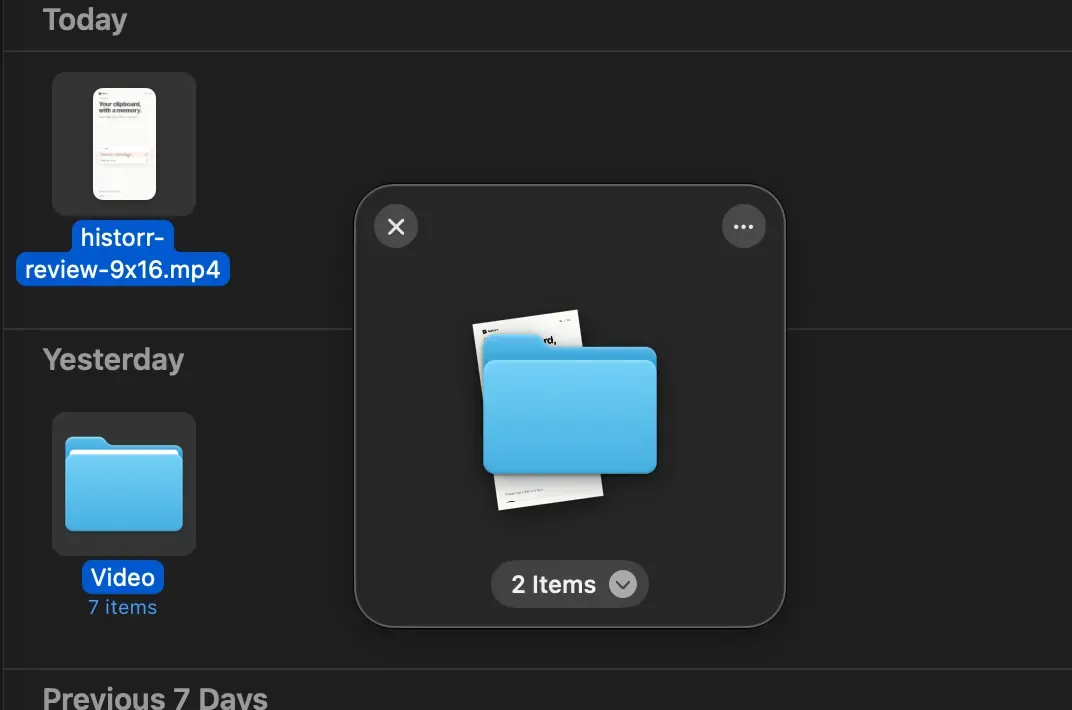
Use Quick Look. Apple’s Quick Look guide says to select an item and press the Space bar to see a preview without opening the file’s app. If you select several items, you can move between them with the arrow keys.
What should you check?
| Check | What to look for |
|---|---|
| File name | Does it match what the recipient expects? |
| Version | Is this the final version, not an earlier draft? |
| Content | Any comments, hidden notes, or private details? |
| Size | Is it small enough for the mail provider’s limit? |
| Format | Can the recipient open it? PDF is often safer than an editable file. |
Quick Look shows how the file appears, but it may not reveal hidden data such as tracked changes or metadata. For important documents, open them in their own app too.
How can you keep the final set together?
When the files come from different folders, collect them first. Drag each reviewed file onto a Historr shelf so the set sits in one place while you write the email. Then drag the shelf contents into the message.
Test the drag into your mail app with harmless files first, because destinations differ in what they accept. Historr is a helper for gathering. Reviewing remains your step.
A routine you can repeat
- Collect the files.
- Preview each with Space.
- Remove anything you are unsure about.
- Attach and check the attachment list one last time before you press send.
Explore Historr and try the routine on a practice email. KainoLab makes Historr and provides this guide.


