

Historr
Copy once. Paste forever.
Free
No subscription, account or upsells
100%
Local. No cloud, no account, no telemetry
⌥H
Open your history from anywhere
Silicon + Intel
Made for macOS 13 Ventura or later
What users say
★★★★★
The Mac's copy and paste features are quite basic. However, they are useful for everyday tasks and make multitasking easier. Most of the features are focused on making copy and paste workflows faster and more convenient.
★★★★★
Simple, useful, and private. I appreciate that my clipboard stays on my Mac, with keyboard shortcuts that keep everything within reach.
★★★★★
Paste Stack is my favorite feature. Queuing several items and pasting them in order makes repetitive form filling much easier.
★★★★★
Historr fits naturally into my Mac workflow. Searchable clipboard history makes it easy to find and reuse something I copied earlier.
Your clipboard, with a memory, and a shelf for everything you drag. Find, transform, paste and drop, all privately on your Mac.
The problem
Mac users copy and paste all day, but the clipboard only remembers one thing. People re-copy the same snippets, hunt through old windows for something they copied an hour ago, and juggle windows just to move files between apps. Many clipboard tools also sync everything to the cloud, which is a problem for passwords and codes.
What we built
We built a small, keyboard-first macOS app that keeps everything you copy on your Mac. ⌥H opens your history, ⌘1-9 pastes instantly, a Paste Stack queues items for filling forms, and a shake-to-open Drag Shelf collects files, images and text while you drag. Sensitive items expire automatically.

What it does
Paste Stack
Queue several items and paste them in order, perfect for filling forms.
Drag Shelf
Shake the pointer while dragging to park files, images and text, then drag them out together.
Paste transforms
Paste as lowercase, UPPERCASE, a URL slug or formatted JSON.
Smart actions
Links open, emails compose and colours show a swatch, right from your history.
Auto-expiring secrets
Passwords and codes are detected and removed after a few minutes.
Keyboard-first
Quick Look preview with Space, instant paste with ⌘1-9, full keyboard navigation.
See it in motion

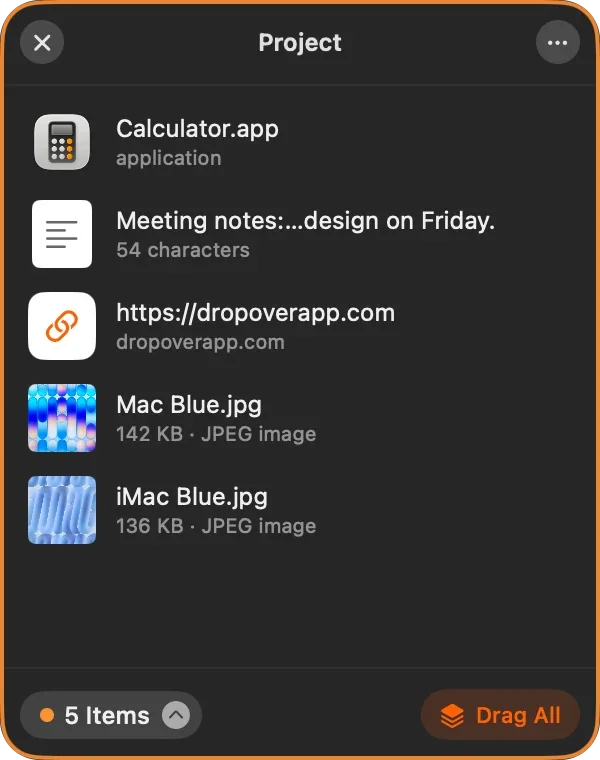
A focused tool that does one job beautifully: remember what you copy, and keep it private.
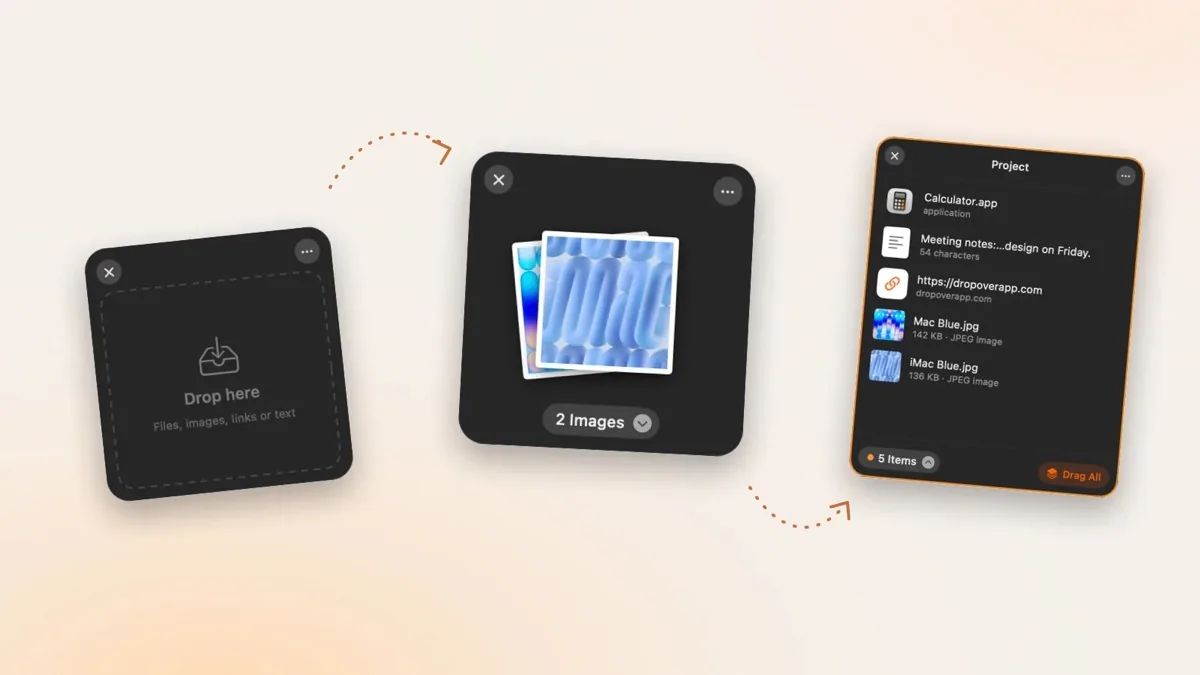
Historr guides
Practical clipboard workflows, drag shelf help, and app comparisons.
- How to Auto-Expire Sensitive Clipboard Copies on Mac
- A Free Dropover Alternative for Mac with Clipboard History
- A Free Paste Alternative for Mac: When Historr Fits
- A Free Yoink Alternative for Mac: Historr's Shelf and History
- How to View Clipboard History on Mac and Find Earlier Copies
- Historr Drag Shelf Not Opening? Mac Settings and Fixes
- A Maccy Alternative with Paste Stack and a Mac Drag Shelf
- How to Paste Multiple Copied Items One by One on Mac
- How to Paste Plain Text and Transform Copied Text on Mac
- How to Save, Search, and Clear Clipboard History on Mac