Wholesale Ordering Portal vs Email and Phone Orders: When to Switch
Quick answer: Switch from email and phone orders to a wholesale ordering portal when re-keying orders, checking prices and answering "where is my order?" take more staff time than serving customers. Keep phone and email for exceptions, and move repeat orders from regular trade customers into the portal first.
- Author
- KainoLab Team
- Published
- Oct 30, 2026
- Service
- Web applications
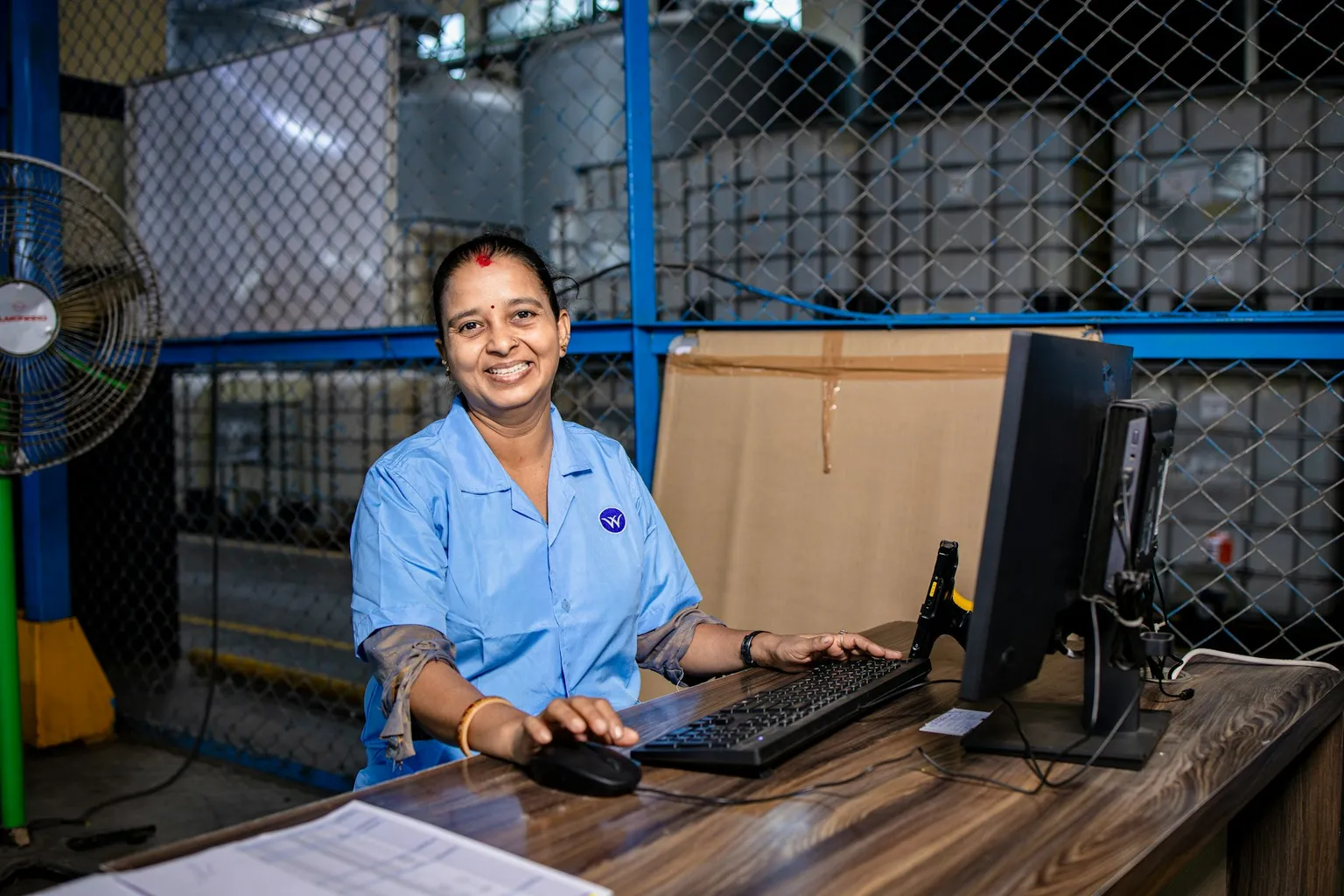
Photo: EqualStock on Unsplash.
Most wholesalers start with email, phone calls and the occasional spreadsheet attachment. It works while the business is small. As customer numbers grow, the same inbox becomes a queue that only a few people know how to work through.
This guide compares the two approaches and shows when an online ordering portal starts to pay for itself. For the features to plan first, see our guide to wholesale ordering portal requirements.
What is the real cost of email and phone orders?
The visible cost is the time spent typing orders into your stock or accounting system. The hidden costs are usually larger:
- Clarification loops. “12 of the blue ones” needs a call back to confirm the product, pack size and price.
- Errors. A mistyped code or wrong unit becomes a wrong delivery, a credit note and an unhappy customer.
- Status questions. Customers phone to ask whether an order was received, confirmed or shipped.
- Key-person risk. Orders slow down when the one person who knows each customer’s pricing is away.
Before deciding, count these for two typical weeks. A simple tally of orders, clarifications, corrections and status calls gives you a baseline to compare against.
How do the two approaches compare?
| Factor | Email and phone | Wholesale ordering portal |
|---|---|---|
| Order entry | Staff re-key every order | Customers enter orders; staff review exceptions |
| Pricing | Looked up per order | Customer-specific prices shown automatically |
| Errors | Typing and unit mistakes | Validated product codes and pack sizes |
| Order status | Customers call or email | Customers see status and history online |
| Availability | Office hours | Orders placed any time |
| Relationship | Personal, flexible | Needs a plan to keep the personal touch |
A portal does not remove the need for people. It moves staff from typing to handling the orders that genuinely need judgement.
When is it time to switch?
Consider a portal when several of these are true:
- A large share of orders are repeat orders from the same trade customers.
- Staff spend more time entering orders than talking to customers.
- Order errors lead to regular credit notes or returns.
- Customers ask for order history, invoices or delivery status.
- You want to take orders outside office hours or in another time zone.
If most orders are one-off, complex quotes, a portal may not be the first priority. A better quoting process might help more.
What should stay on email and phone?
Keep human channels for new customers, unusual requests, urgent problems and large negotiated orders. The goal is to move routine, repeat orders online so your team has time for the conversations that win and keep accounts.
Many wholesalers run both in parallel: the portal for routine ordering, and a named contact for everything else. Make that contact visible in the portal so customers never feel pushed away.
How do you move customers across without losing them?
Start with a pilot group of regular customers who already order often. Load their usual products and prices, invite them personally, and ask for feedback after their first few orders. Our guide to getting wholesale customers to use your portal covers the rollout in detail.
Measure the same tally you counted at the start. If clarifications, errors and status calls fall for the pilot group, you have evidence to extend the portal to more customers.
Common mistakes when switching
- Launching with list prices. Customers who see the wrong price go straight back to the phone.
- Moving everyone at once. A sudden switch overloads staff with questions and exposes data problems to all customers at the same time.
- Forgetting the order desk. Staff who review exceptions need a clear queue and the authority to adjust orders.
- Ignoring mobile. Many trade buyers order from a phone in a van or on a shop floor, so the portal must work well on small screens.
Key takeaways
- Count clarifications, errors and status calls before you decide.
- Move routine repeat orders online first and keep people for exceptions.
- Pilot with regular customers and measure the same numbers again.
Frequently asked questions
Does a wholesale ordering portal replace my sales team? No. It removes repeat data entry so your team can focus on new accounts, larger deals and problem solving.
Can a portal connect to my accounting or stock system? Usually, yes. Most portals send confirmed orders to an existing system through an integration, so staff do not enter them twice. Check what your current system supports before choosing an approach.
Should I build a custom portal or use an off-the-shelf one? If your pricing, units and approval rules are standard, a ready-made tool may be enough. If they are specific to your business, a custom portal can follow them exactly. Our custom versus off-the-shelf guide explains how to decide.