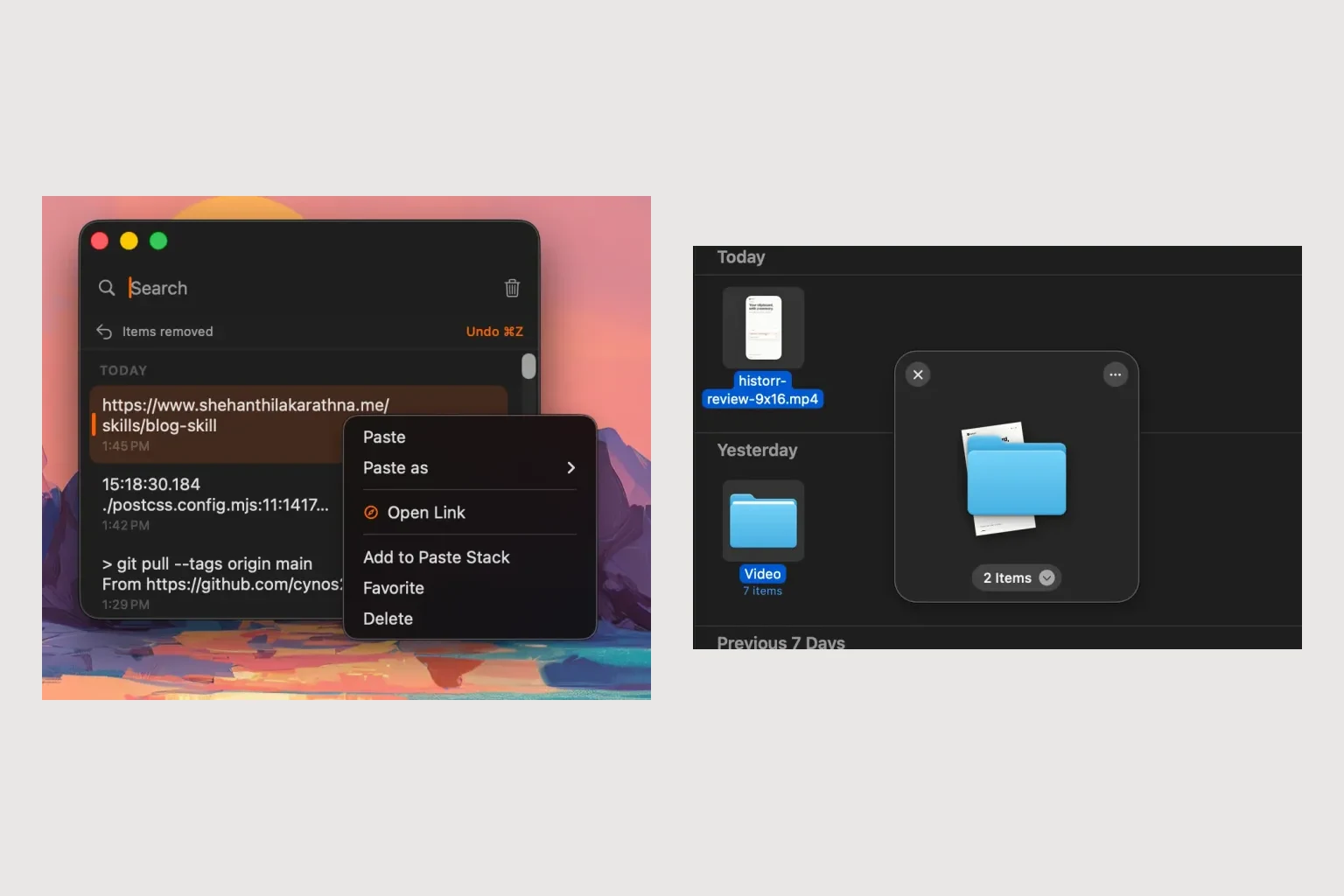
A Dropover Alternative for Client Handoffs with Text and Files
Quick answer: Historr can suit a client handoff that needs both reusable message text and files from several folders. Its clipboard history helps recover the wording, while its shelf gathers attachments. Review the final email or portal submission before sending.
- Author
- KainoLab Team
- Written
- Oct 23, 2026
- Product
- Historr
Publisher disclosure: Historr is made by KainoLab. This guide uses official product documentation and hypothetical workflow examples, not independent benchmark results. Product details checked on 23 October 2026. The cover pairs two real screenshots; it is not a single app window.
Start with the approved delivery
A client handoff is more than a pile of attachments. The message must explain what is included, which version is approved and what the client should do next. A shelf helps with collection; you still own those decisions.
Consider a hypothetical design delivery with a final PDF, an image export and a link to review instructions. Write a short checklist before collecting anything: recipient, project, version, two attachments and one link. This makes a missing item easier to catch.
Prepare the message and the files separately
Use Historr clipboard history to retrieve copied instructions or the review link. Check the complete entry before pasting it into a draft. Old wording may contain a previous client’s name or deadline.
Open a shelf with Option-Shift-D and drag in the approved files. The shelf documentation describes expanding the pile to inspect individual items and using Quick Look for previews. Preview the PDF’s first page and check the image name against your checklist.
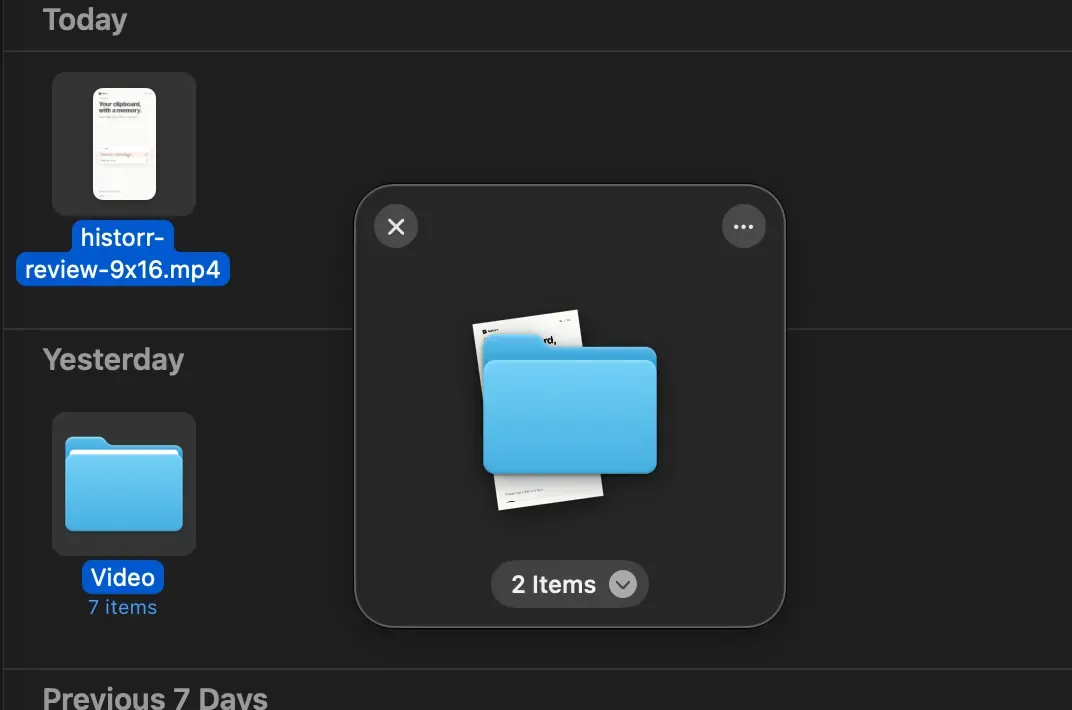
Real Historr screenshot supplied on 8 October 2026. It illustrates the interface; workflow examples in this article are hypothetical.
The screenshot shows an actual file shelf, not the sample client delivery described here.
Where the Dropover comparison matters
Dropover also provides shelf and clipboard actions. The reason to consider Historr for this task is its combination of searchable clipboard history and file staging in the same app. That is useful when you repeatedly need earlier wording as well as attachments. It is not evidence that either app will send a more accurate delivery automatically.
If your current shelf already meets your needs and you rarely retrieve older copied text, changing tools may offer little practical benefit.
Check the destination before sending
Drag the files into the email or client portal, then inspect what actually arrived. A visible attachment should have the expected name and version. Open it from the draft when possible. Check the review link in the context of the intended recipient’s access.
Historr’s shelf is temporary. It is not a shared client workspace, an approval record or proof that a delivery reached someone. Keep the final package in your project folder and use the destination system for delivery history.
For a repeatable preparation routine, follow the combined clipboard and shelf walkthrough. Try it in Historr with a draft delivery before relying on it for a client deadline.


