Does Historr Move Your Files? Shelf Copies Explained
Quick answer: Historr documents outgoing shelf drags as copies, so the original files stay in their source folders. Adding an existing file to a shelf creates a reference to it; text and image items may use temporary files. Save important results outside the shelf.
- Author
- KainoLab Team
- Written
- Oct 23, 2026
- Product
- Historr
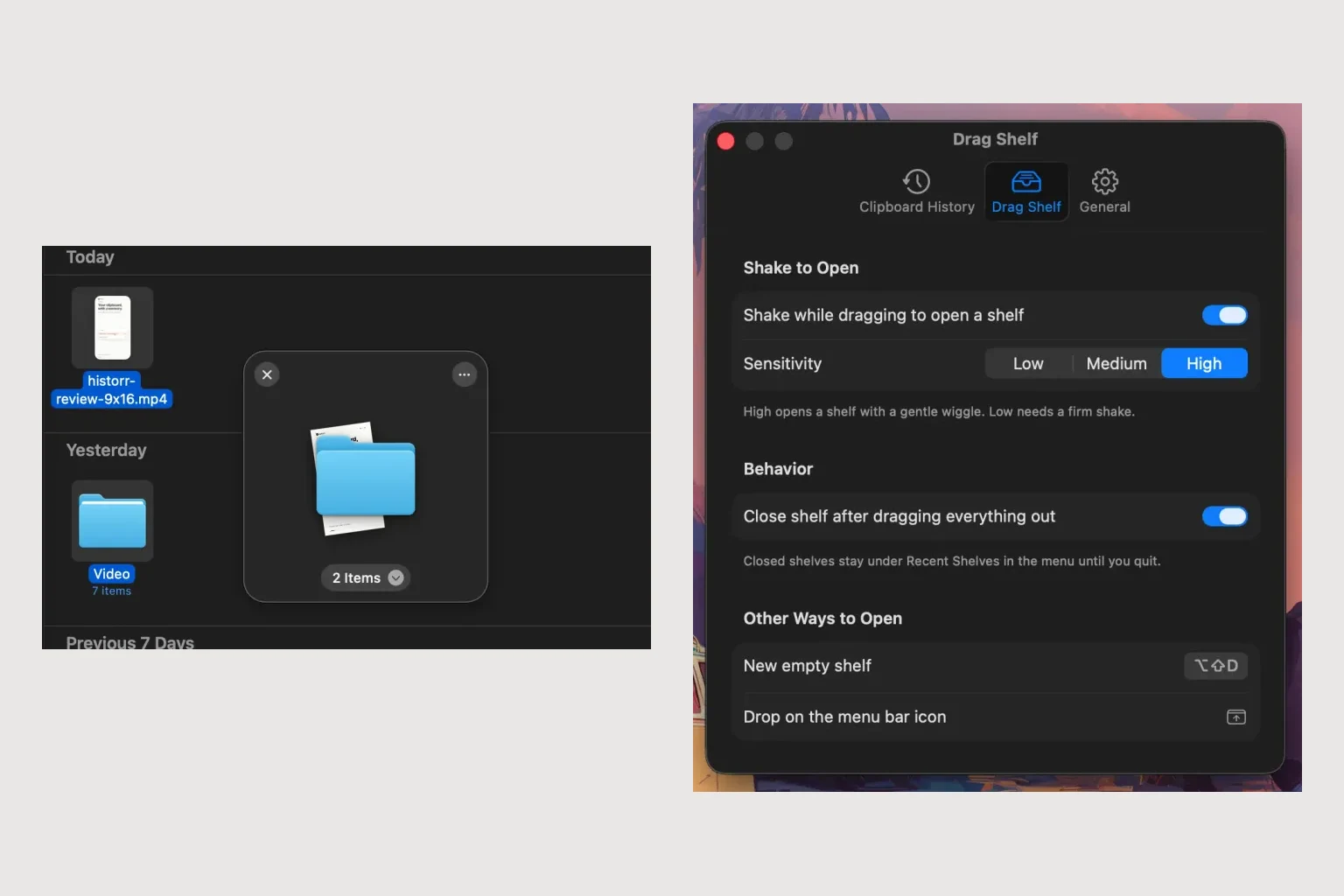
Publisher disclosure: Historr is made by KainoLab. This guide uses official product documentation and hypothetical workflow examples, not independent benchmark results. Product details checked on 23 October 2026. The cover pairs two real screenshots; it is not a single app window.
Collection and delivery are different steps
When you drag an existing file into Historr, the shelf references that file. It does not become a permanent new project folder. When you drag the item out to a destination, Historr documents that outgoing operation as a copy.
The distinction matters: seeing a file on a shelf is not evidence that you have made a backup. Keep the source available while preparing the handoff. These behaviours are described in the Historr Drag Shelf guide.
| Stage | What the shelf means |
|---|---|
| Add an existing file | A reference to the source file |
| Add text or an image from another source | Historr may create a temporary file |
| Drag an item out | A copy is offered to the destination |
| Quit Historr | Shelves are not preserved; temporary shelf files are cleaned up |
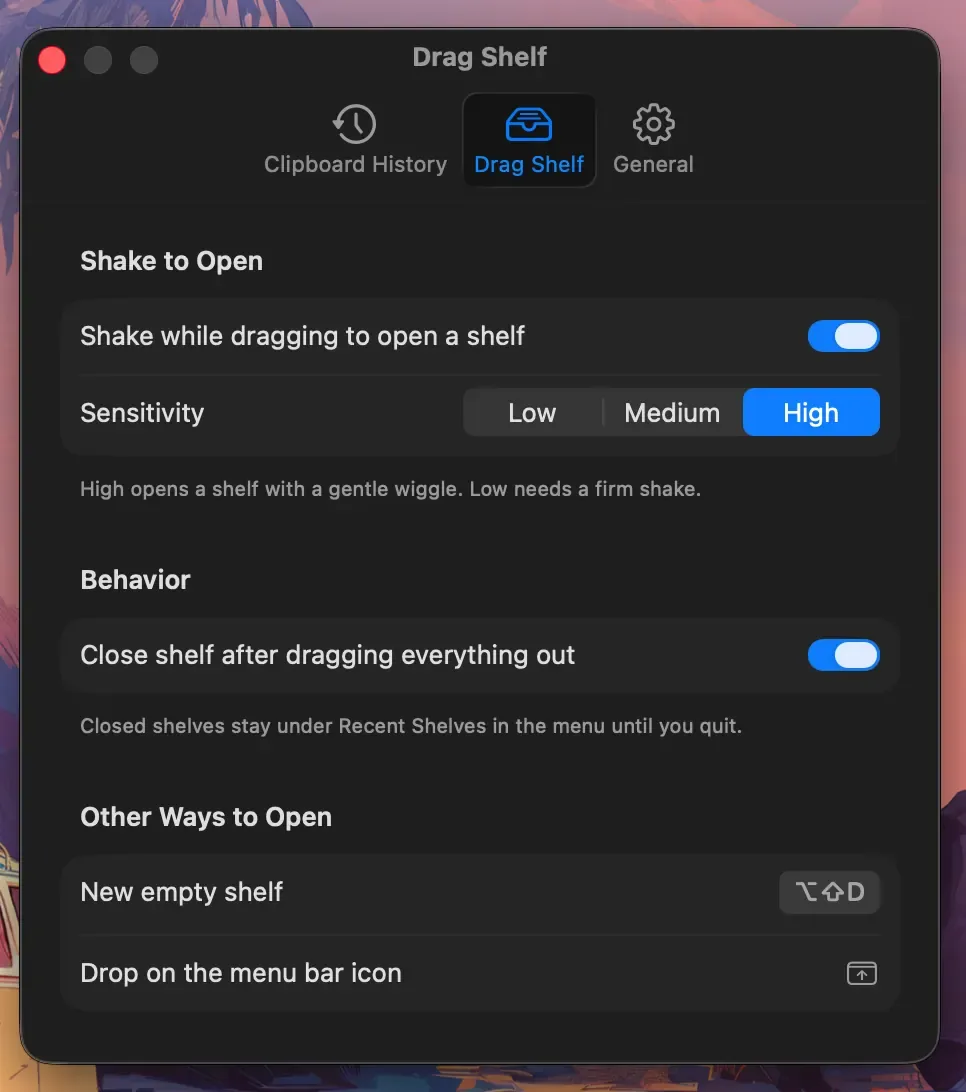
Real Historr screenshot supplied on 8 October 2026. It illustrates the interface; workflow examples in this article are hypothetical.
Try a simple copy check
Use disposable sample files for this exercise, rather than a real delivery.
- Create a source folder and a different destination folder in Finder.
- Put a sample document in the source folder and note its name.
- Open a shelf with Option-Shift-D and add the sample document.
- Drag it from the shelf to the destination folder.
- Confirm that the source still contains the document and that the destination copy opens.
This is a proposed check you can perform, not a report of a benchmark conducted for this article. If the destination is a web app or email editor, inspect its attachment result separately. Applications control how they accept a dropped item.
How does this compare with Dropover?
Dropover’s FAQ explains that a same-volume drop can move files by default, with modifiers and a preference available to change that behaviour. Check your settings if you switch tools. Do not carry a move-or-copy assumption from one app into another.
Keep clipboard text and file storage clear
Use Historr history and Paste Stack for retrieving and pasting wording. Use the shelf for temporary collection. Neither a copied paragraph nor a visible shelf item proves that a permanent delivery package has been saved.
Save important items to a normal folder, confirm the files open, then finish your handoff. Historr is useful here as a preparation tool while Finder or your document system holds the durable files.


