
Yoink vs Historr: Edge Shelf or Clipboard History With a Shelf?
Quick answer: Yoink is a paid shelf that slides from the screen edge as you drag, with a one-time price and a 28-day trial download. Historr is free, opens a shelf by shaking the pointer or Option-Shift-D, and adds clipboard history, a Paste Stack and transforms. Choose Yoink for a polished edge shelf, Historr for a free shelf plus history. KainoLab makes Historr.
- Author
- KainoLab Team
- Published
- Oct 31, 2026
- Product
- Historr
Photo: Theme Photos on Unsplash. The cover is a stock photograph, not a Historr screenshot.
Publisher disclosure: Historr is made by KainoLab, the publisher of this guide. Product details were checked against official pages on 31 October 2026. This is not an independent test.
Yoink and Historr both help you hold items while you drag them between apps. They approach it differently: Yoink is a dedicated shelf, while Historr combines a shelf with clipboard history. This comparison uses the official Yoink page and Historr documentation. KainoLab makes Historr.
How does Yoink work?
Yoink acts as a temporary holding area. The page describes a shelf that slides out from the screen edge when you start dragging, and says you can set it to appear immediately, only near the edge or at the cursor. A keyboard shortcut can show and hide it. The page does not mention shake-to-open. It lists Quick Look, Handoff, Continuity Camera, a Share extension, Terminal and Automator support, and an ignored apps list.
How does Historr work?
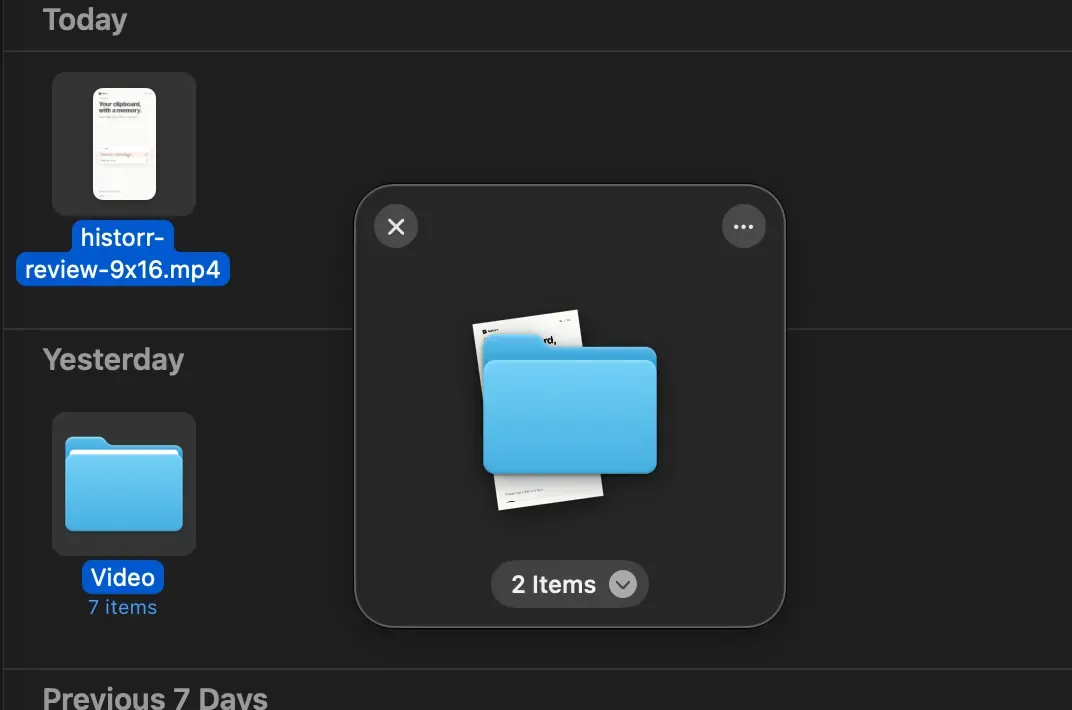
Historr’s shelf opens when you shake the pointer while dragging, with Option-Shift-D, or by dropping items on the menu bar icon. It holds files, folders, images, links and text. The documentation says each item drops as a copy and the originals stay where they were.
How do they compare?
| Question | Yoink | Historr |
|---|---|---|
| Price | One-time purchase: 9.99 EUR, 8.99 USD, 8.99 GBP; 28-day trial download | Free, per its site |
| macOS | 10.13 High Sierra or newer | 13 Ventura or newer |
| How the shelf opens | Slides from the edge while dragging; shortcut | Shake, Option-Shift-D, menu bar |
| Copy or move | Option force-copies, Command force-moves, like Finder | Items drop as copies |
| Clipboard history | Recent copied items in app or widget | Full history, favourites, Paste Stack, transforms |
| Setapp | Available | Not listed |
| Languages | Eight listed | Not listed |
Prices and terms may change, so check the official pages.
What about clipboard features?
Yoink can store recent items you copied and excludes popular password managers by default, according to its page. Historr is built as a clipboard manager first: it adds search, favourites, a queue, text transforms, smart actions and auto-expiry for sensitive copies. If clipboard history is important, Historr offers more. See best clipboard manager for Mac.
Real Historr screenshot supplied on 8 October 2026 (version 0.1.6). It illustrates the interface only.
What about older Macs?
Yoink lists macOS 10.13 or newer, which covers many older Macs. Historr requires macOS 13 Ventura or later. If your Mac cannot run Ventura, Yoink may be the only one of the two that works.
Who should choose Yoink?
- You like a shelf that slides from the edge with controls over where it appears.
- You want Finder-style copy and move modifiers.
- You are on an older macOS.
- You already use Setapp.
Who should choose Historr?
- You want a free shelf.
- You also want clipboard history, queues and transforms in the same app.
- You prefer shake-to-open or a shortcut.
- You are on macOS 13 or later.
How do you try both?
- Install Yoink’s trial and Historr.
- Pick a repeated task, such as collecting screenshots and a PDF into one email.
- Do it in each app, noting steps and mistakes.
- Quit one before using the other to avoid conflicts.
Related guides: free Yoink alternative for Mac, Dropover vs Historr and best drag and drop shelf apps for Mac.
A simple way to decide
Ask two questions. Do you need a shelf only, or a shelf plus clipboard history? Does your Mac run macOS 13 or later? If you need a shelf only and prefer the edge style, Yoink’s trial is a good place to start. If you want history and a shelf together on a recent macOS, Historr is worth testing. If both are possible, try each for a day with your own files before deciding.
Frequently asked questions
Is Yoink free? The page lists a one-time purchase and a 28-day free trial download.
Does Historr move or copy files? Historr’s documentation says items drop as copies and originals stay where they were.
Can I use both? You can, but gestures and shortcuts may conflict. Set them differently or test one at a time.
Does Yoink have a free version? The page lists a free 28-day trial download and a one-time purchase.
Which is better for quick drags? Both open while you drag. Yoink slides from the edge and Historr opens with a shake or a shortcut. Try both and see which feels natural.
Key takeaways
- Yoink is a paid edge shelf with broad macOS support.
- Historr is a free shelf with a full clipboard manager.
- Choose by price, macOS version and how you like the shelf to appear.


