
Dropover Alternative for Mac: How to Choose a Drag Shelf App
Quick answer: Choose a Dropover alternative by deciding what you use a shelf for. Compare how the shelf opens, how items leave it, cloud and automation features, clipboard support, macOS version and price. Yoink suits an edge shelf, Historr suits a free shelf with clipboard history, and Dropover suits cloud actions and automation.
- Author
- KainoLab Team
- Published
- Oct 31, 2026
- Product
- Historr
Photo: Microsoft Copilot on Unsplash. The cover is a stock photograph, not a Historr screenshot.
Publisher disclosure: Historr is made by KainoLab, the publisher of this guide. Product details were checked against official pages on 31 October 2026. This is not an independent test.
Dropover is a popular Mac shelf app. People look for alternatives because of price, features they do not use, or a different way of working. This guide helps you decide what to look for rather than naming a single winner. For a specific free option, see our free Dropover alternative for Mac guide.
What does Dropover do?
The Dropover site describes a temporary shelf for files, links, text and images. You can preview, rename and reorder items, reopen recent shelves and move or share them together. It lists clipboard support, cloud actions such as uploading to several services, file actions such as resizing images and creating ZIP archives, and automation through scripts, Siri Shortcuts and Alfred and Raycast extensions. Its page opens shelves by shaking the pointer, a keyboard shortcut, the menu bar icon or watched folders. The page does not state pricing, so check the Mac App Store listing.
What should you compare in an alternative?
| Question | Why it matters |
|---|---|
| How does the shelf open? | Shake, edge, shortcut or menu bar suit different habits |
| How do items leave? | Copy, move, share, upload or save to a folder |
| Does it keep clipboard history? | Useful if you want one app for both jobs |
| Cloud and automation | Needed only if you upload or script often |
| macOS version | Older Macs limit your options |
| Price | Free, one-time or trial |
Which alternatives exist?
- Yoink. The Yoink site describes a shelf that slides from the screen edge as you drag. It lists a one-time price of 9.99 EUR or 8.99 USD, a 28-day free trial download and macOS 10.13 or newer. See Yoink vs Historr.
- Historr. A free app that combines clipboard history with a shelf. Its Drag Shelf documentation says shaking the pointer opens a shelf and items drop as copies. See Dropover vs Historr.
- Finder alone. If you rarely collect files, Finder windows and copy shortcuts may be enough.
Our best drag and drop shelf apps for Mac guide compares them side by side.
Which features do most people actually use?
For many people, three things matter: opening the shelf quickly, dragging items out together and previewing them. Cloud uploads and scripts matter only for specific jobs. List the actions you did on your last three shelf sessions. If cloud upload is not on the list, you can skip it.
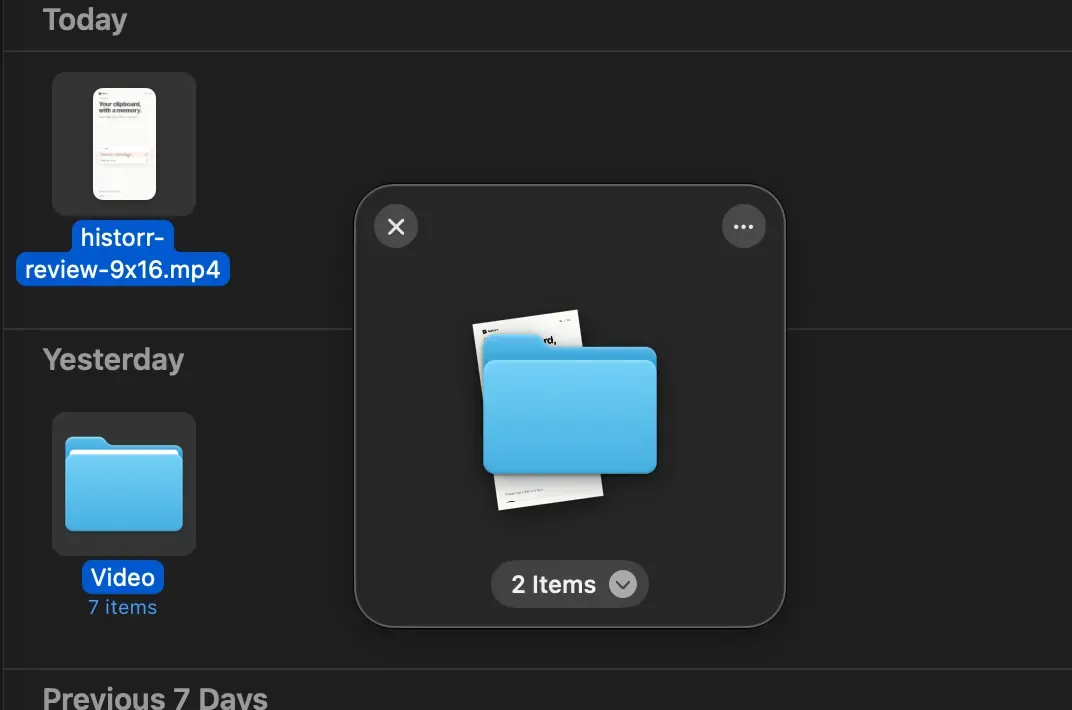
Real Historr screenshot supplied on 8 October 2026 (version 0.1.6). It illustrates the interface only.
How do you test an alternative?
- Pick one real task, such as gathering files from three folders.
- Do it in the new app and in Dropover.
- Note how many steps it took and whether any file ended up in the wrong place.
- Check that originals are unchanged. Historr documents that originals stay where they were.
- Try the clipboard side if you use it.
If you switch, read how to switch from Dropover to Historr.
When should you stay with Dropover?
Stay if you use cloud actions, scripts or watched folders regularly. Those features are a major part of what the app offers, and not every alternative matches them. Historr’s documentation lists shelf actions such as Quick Look, Share, AirDrop, Save to Folder, Compress to ZIP, Resize Images and Extract Text, but does not list scripting or cloud upload services.
A simple decision rule
If you upload files to cloud services or run scripts from your shelf, stay with a tool that lists those features. If you mostly drag files between apps and want clipboard history too, test a free all-in-one option. If you want a polished edge shelf and a one-time purchase, test a paid alternative’s trial. Whatever you choose, run it for a real week before removing the app you already know.
Frequently asked questions
Is there a free Dropover alternative? Yes, Historr describes itself as free. Check the official pages for current terms.
Do alternatives keep my files safe? A shelf holds references or temporary copies. Historr says originals stay put and temporary copies are deleted when you remove them, clear the shelf or quit.
Can I run two shelf apps at once? You can, but their shake or shortcut triggers may conflict. Test one at a time.
What if I only need a shelf for screenshots? Almost any shelf app will do. Pick the one with the trigger you like best.
Key takeaways
- Decide what you use a shelf for before comparing.
- Dropover leads on cloud actions and automation; alternatives may win on price or simplicity.
- Test with one real task and verify originals are safe.


